

Set default account expiration date for new users
Adaxes allows you to assign a default value to any property of user accounts, including the Account Expires property. If you configure the default account expiration date, it will automatically be filled into the Account Expires field on the user creation form. If a user account is created via a script or data import and the Account Expires property is not specified, the account expiration date will be set to the default value.
To set default values for object properties, you need to use property patterns. In this tutorial, you will learn how to create a property pattern to assign a default value for the Account Expires property.
Account expiration is only available in Active Directory domains. Microsoft Entra accounts never expire.
-
Launch Adaxes Administration console.
How { #collapse1}
-
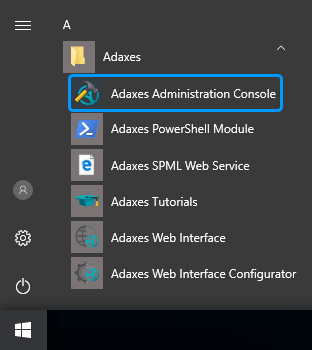
On the computer where Adaxes Administration console is installed, open Windows Start menu.
-
Click Adaxes Administration Console.
-
-
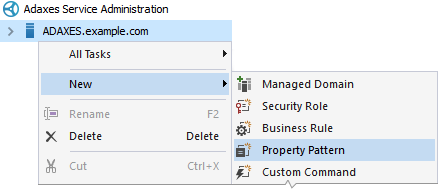
Right-click your Adaxes service, point to New and click Property Pattern.
-
Enter a name for the new property pattern and click Next.
-
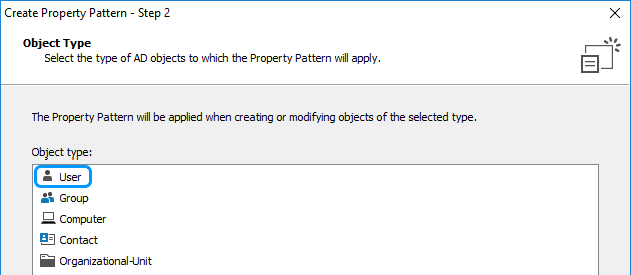
On the Object Type step, select User.
Click Next.
-
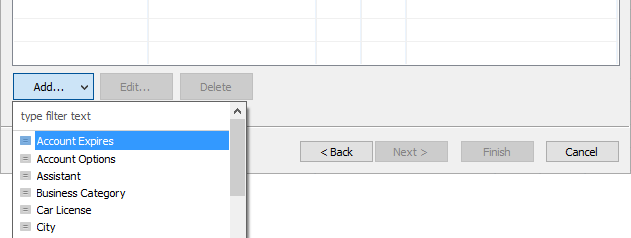
On the Configuration step, click Add, and then click Account Expires in the drop-down list.
-
Click the
 button embedded into the Default value field.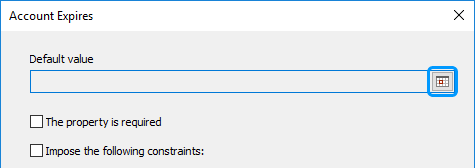
-
Specify how to calculate the account expiration date. For example, to set user accounts to expire in 30 days after creation, specify Current Date/Time - plus - 30 - days.
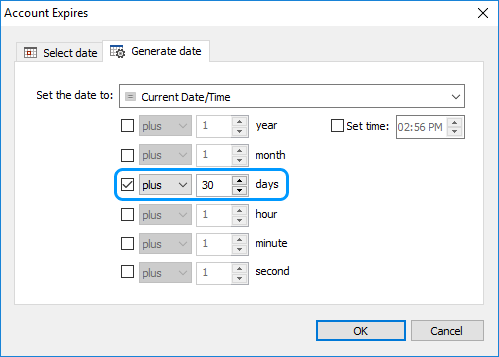
Click OK.
-
When done, click OK and then click Next.
-
On the Activity Scope step, click Add.
Select from the following items:
-
 All Objects – select to apply the property pattern to all users in all domains managed by Adaxes.
 -
 Domain – select to apply the property pattern to all users in a specific domain.
 -
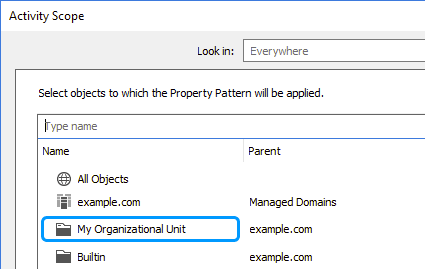
 OU or Container – select to apply the property pattern to users in an organizational unit or container.
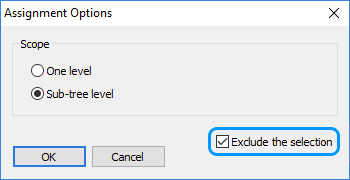
You can exclude specific organizational units and domains from the activity scope of the property pattern. For example, if you assigned the property pattern over the whole domain, but do not want it to apply to a specific organizational unit, you can exclude the organizational unit from the activity scope. To exclude an object, select the Exclude the selection option in the Assignment Options dialog box.
Step by step { #exclude_scope}
-
Click the object you want to exclude.
-
In the Assignment Options dialog, select the Exclude the selection option.
-
Click OK.
-
-
When done, click OK and then click Finish.